mk-nas
An old PC as a small, quiet NAS, with mk-drive as its face.
Version 0.6. Pools, datasets, snapshots, shares and copies work, the installer stick boots, and a box installs new signed releases from its own System page.
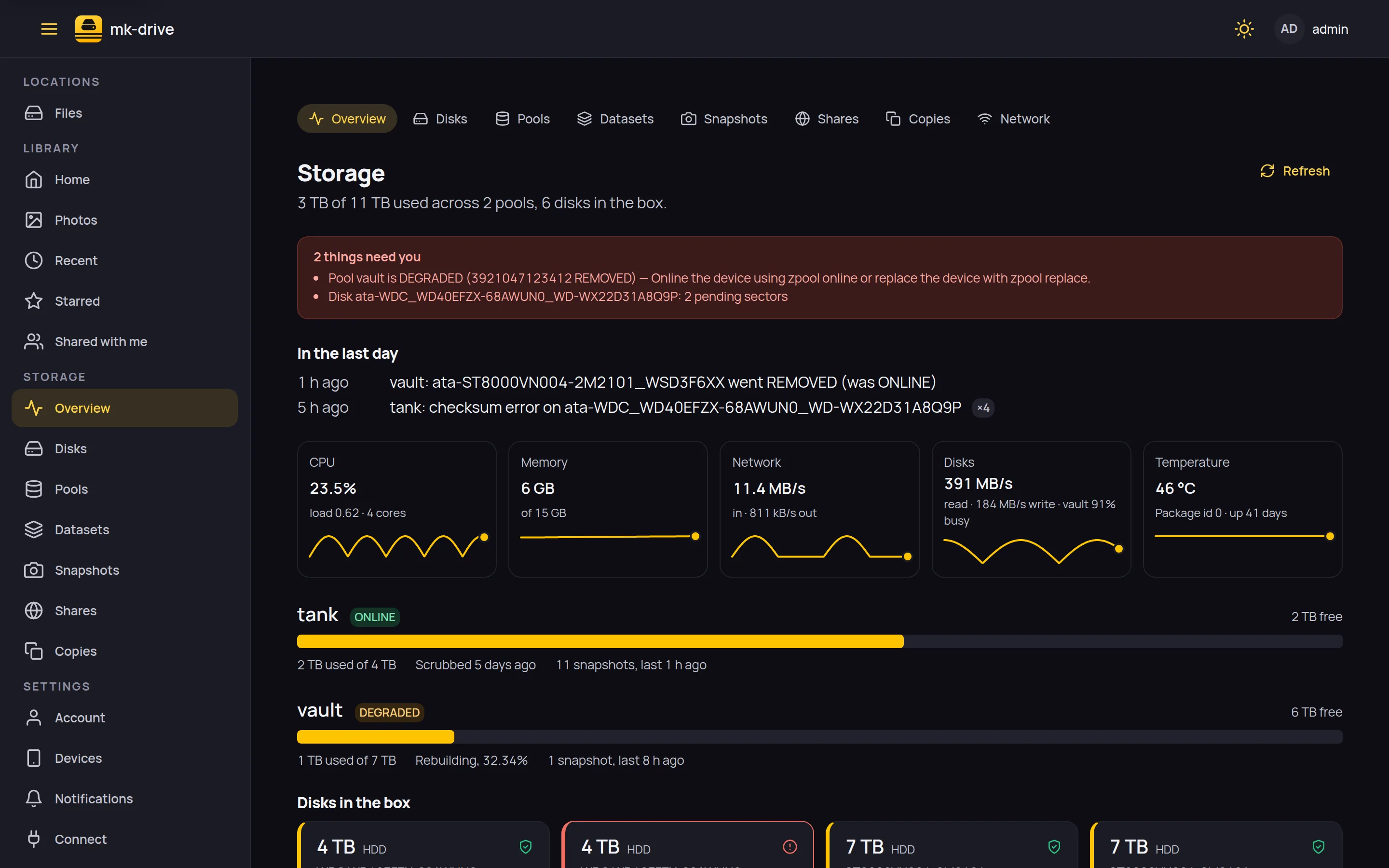
A failed disk, in plain words.
The pool page is what zpool status says, without the terminal: what is wrong, what to do, and Replace next to the disk that went. The rebuild shows its progress.
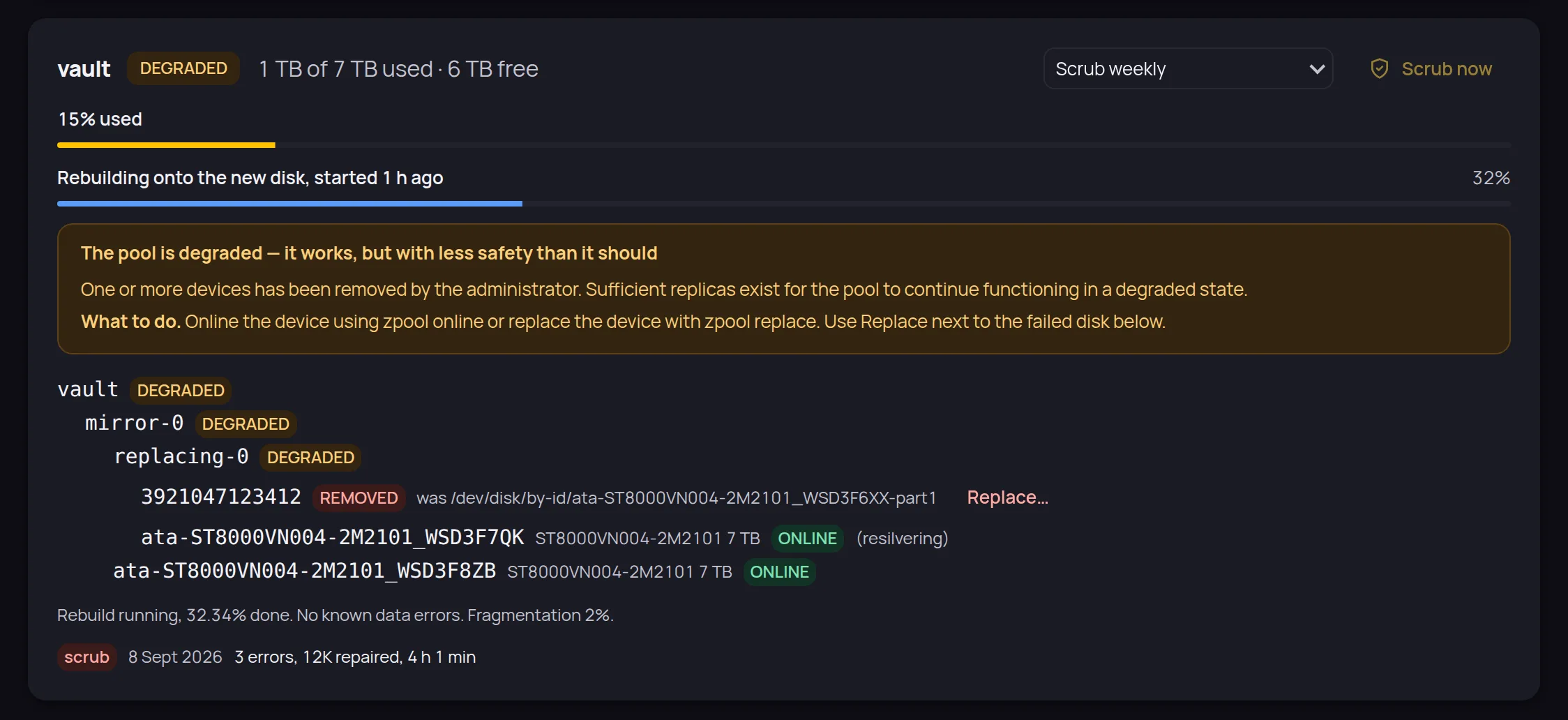
Every disk, and how it is doing.
Size, type, which pool it serves, temperature, hours powered on and SMART health, under the by-id name that survives a reboot and a cable swap.
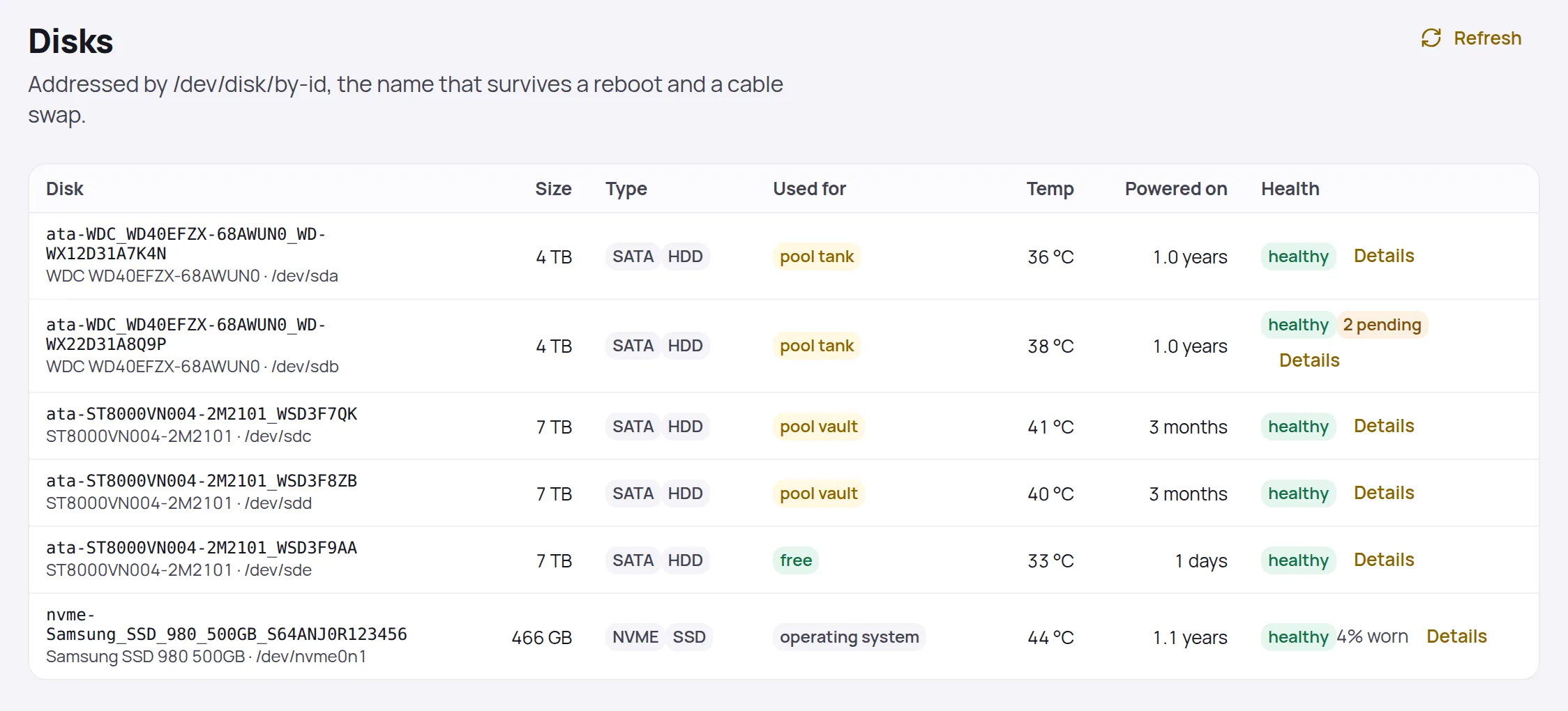
Snapshots on a schedule, and one before the cleanup.
Hourly and daily policies per dataset, plus the ones you name yourself. Each row says how much space it alone keeps; roll back or delete from there.
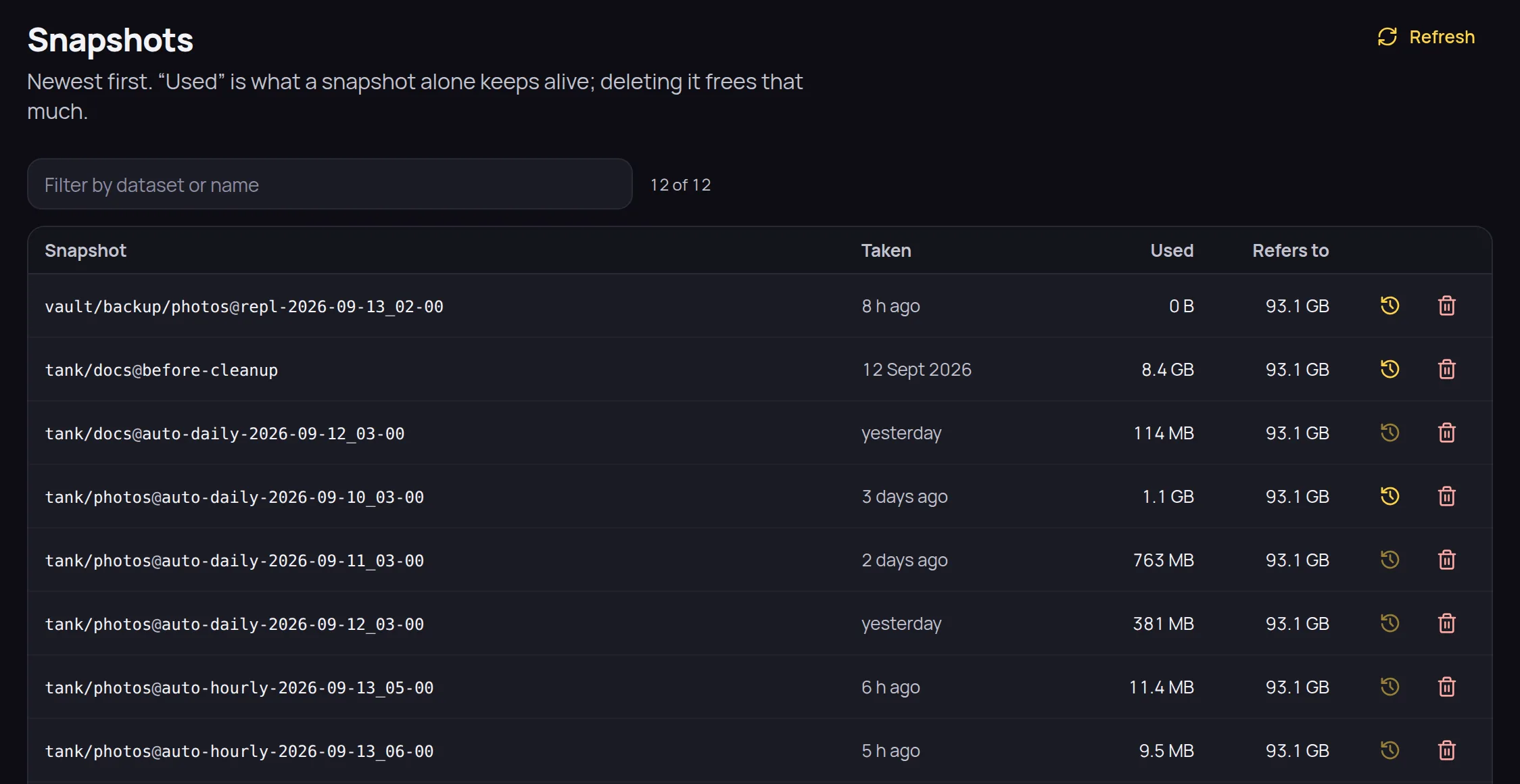
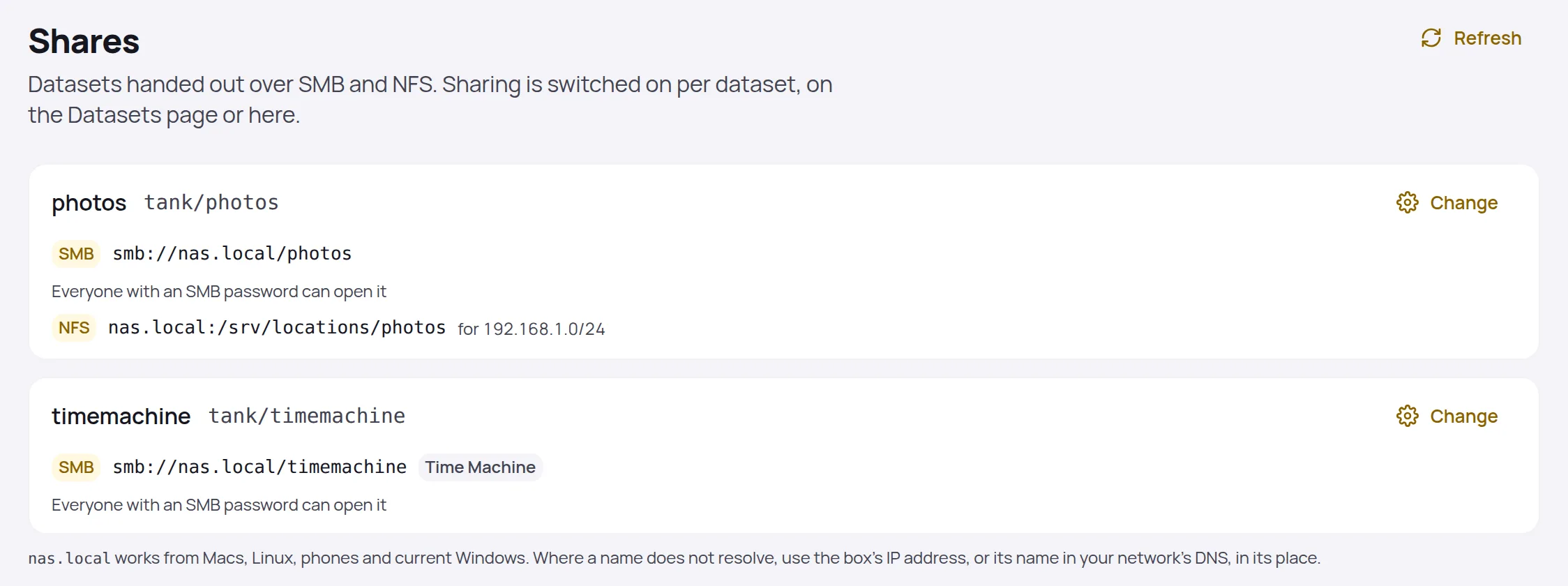
A dataset becomes a network folder.
Switch on SMB or NFS per dataset and the page gives the address to paste. A share can be a Time Machine target; each has its own list of who may open it.
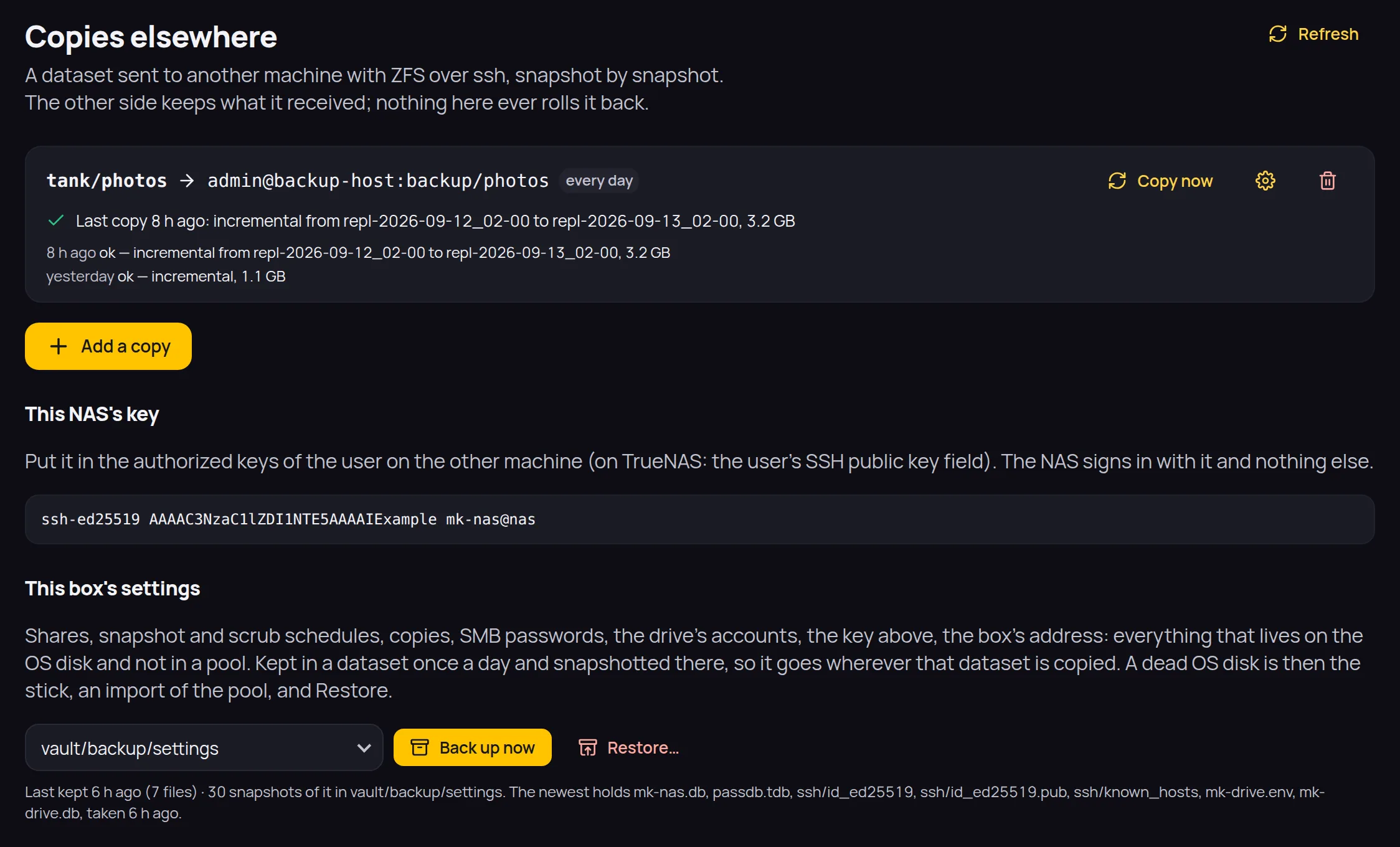
A copy on another machine.
Send a dataset to any ZFS machine over ssh, snapshot by snapshot, on a schedule. The box's own settings are kept in a dataset too, so they travel with it.
And the rest
- Boot from a USB stick, open a browser, and the drive is there — with a Storage section for disks, pools, datasets, snapshots, shares and health.
- A thin layer over Ubuntu Server and OpenZFS. It never invents anything ZFS already does; it just makes the good parts one click.
- Make a pool from free disks, replace a failed one, import a pool from another box. Scrubs and SMART tests run on a schedule you can see.
- Datasets with quotas and automatic snapshot policies; roll back when something went wrong.
- Share a dataset over SMB (Time Machine included) and NFS. Copy it to another ZFS machine over ssh, incrementally, on a schedule.
- The box's settings live in a dataset of your choosing, so a dead OS disk is the stick, a pool import and one restore.
Details
- A bootable stick
Or install the agent on an existing Ubuntu Server with the .deb.make iso # then write the image to a USB stick and boot the box from it- Runs on
- An x86 PC with a disk for the system and one or more for data. Ubuntu Server LTS under the hood.
- Licence
- AGPL-3.0, free and open source, on as many disks as the box holds. A commercial licence is available for companies that cannot use the AGPL.
- Source
- github.com/mkornas/mk-nas